
Pixl Plus campaigns support Facebook and Instagram advertising alongside Display ads, enabling you to prospect for new supporters on Meta platforms using demographic and interest targeting. This article explains how to set up and run Meta campaigns within Pixl Plus.
Running Meta Campaigns within Pixl Plus allows you to reach entirely new supporters who don't know your organization yet while they browse Meta platforms.
Apply demographic, interest, and lookalike targeting on Meta.
Manage Display and Meta ads together in a single Pixl Plus campaign.
Select interests once and apply them to both Display and Meta simultaneously.
Before you Start
Feathr Lite users do not have access to Meta in Pixl Plus campaigns.
Your Meta account must be connected to Feathr via Facebook Login for Business.
If you haven't connected Meta to your Feathr account yet, go to Settings > Integrations > Meta and complete the integration process before creating your campaign. See this article for detailed instructions.
Creating a Pixl Plus Campaign with Meta
1. Click on the Project where you want to run the campaign
2. Click "+Create" on the top right of the page
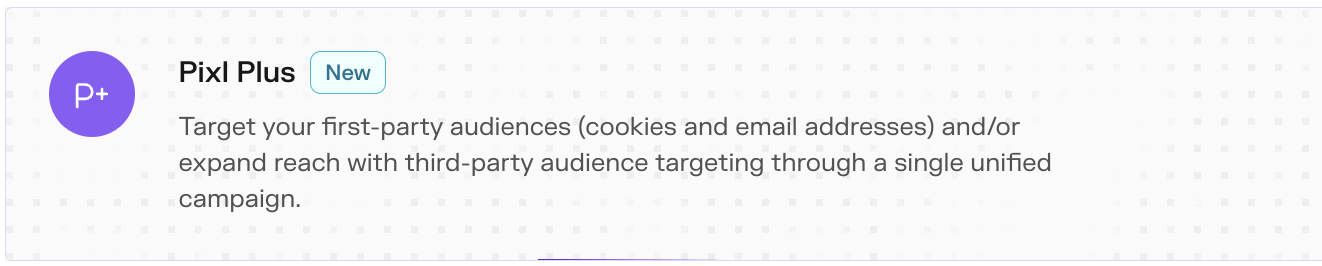
3. Select "Pixl Plus" from the campaign type options
4. Name your campaign descriptively
5. Choose your Campaign Objective
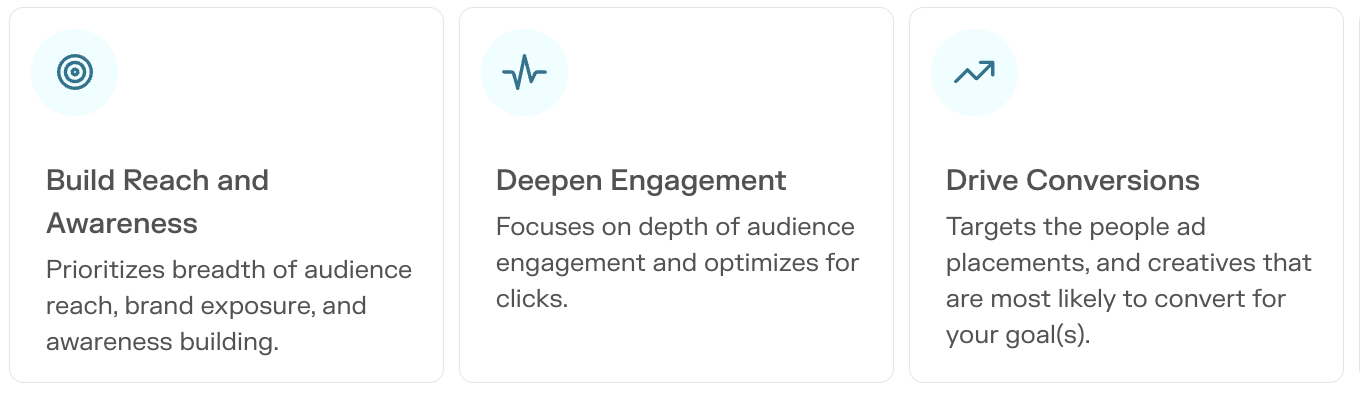
The objective you choose will impact your audience selection choices. Choose the option that best fits the purpose of your campaign.
6. Select your Channels
In the channel selection step, you'll see the following options:
Display - Programmatic display advertising (enabled by default)
Meta - Facebook and Instagram advertising (toggle on to enable)
You can choose either one or both. To run your ads on Meta platforms, you must select Meta Advertising in this step. Selecting both channels gives you the widest reach possible, and recommended for most situations.
7. Choose where your campaign will run on Meta.
First, select from your connected Facebook pages, choose which platforms the ads will display on (Meta and/or Instagram), and determine whether your ads fall within Meta's special ad categories. Click Next when you're ready.
8. Select your Audience.
The Audience step provides many options for targeting your ideal audience.
If you’ve chosen “Build Reach & Awareness” as your campaign objective, you will be able to build your 3rd-party audience by selecting from among several demographic choices, such as age, special interest, and geographic location. You will also be able to choose the size of audience you want to target.
The other objectives will allow you to select from your Feathr Groups and target your existing audience in both channels. Additionally, you can add Lookalike audience to expand your reach and get in front of new audience members.
Click "Next".
9. Add Creatives
Add creatives to your campaign. Display and Meta channels require differing ad dimensions. All accepted creative specifications are listed on the right side of the Creatives page. Click Add Creative and follow the in app steps. When adding Meta creatives, be sure to fill out the information fields for each Creative as you add them, such as Headline.
Add the Destination URL your creatives will direct to when clicked on, and hit "Next" when ready.
10. Optimize your Campaign
In most cases, selecting the Auto-Optimize campaign budget is the best performing choice. Auto-Optimize will follow best practices based on the objective of the campaign. Click "Next."
11. Set Budget and Timing
Choose the Start and End date of your campaign. Pixl Plus campaigns can be started as early as the next day. If you have chosen to add additional Lookalike audience, keep in mind that those audience members will not be immediately available, and you can expect ad impressions to begin displaying to them after about five days.
The recommended budget is based on mostly audience size and campaign length. Following the recommended budget will allow the campaign to run in an efficient manner. You can, however, chose any total budget you'd like.
12. Review and Publish
The last step is to simply review your choices and publishing your campaign when you're ready.